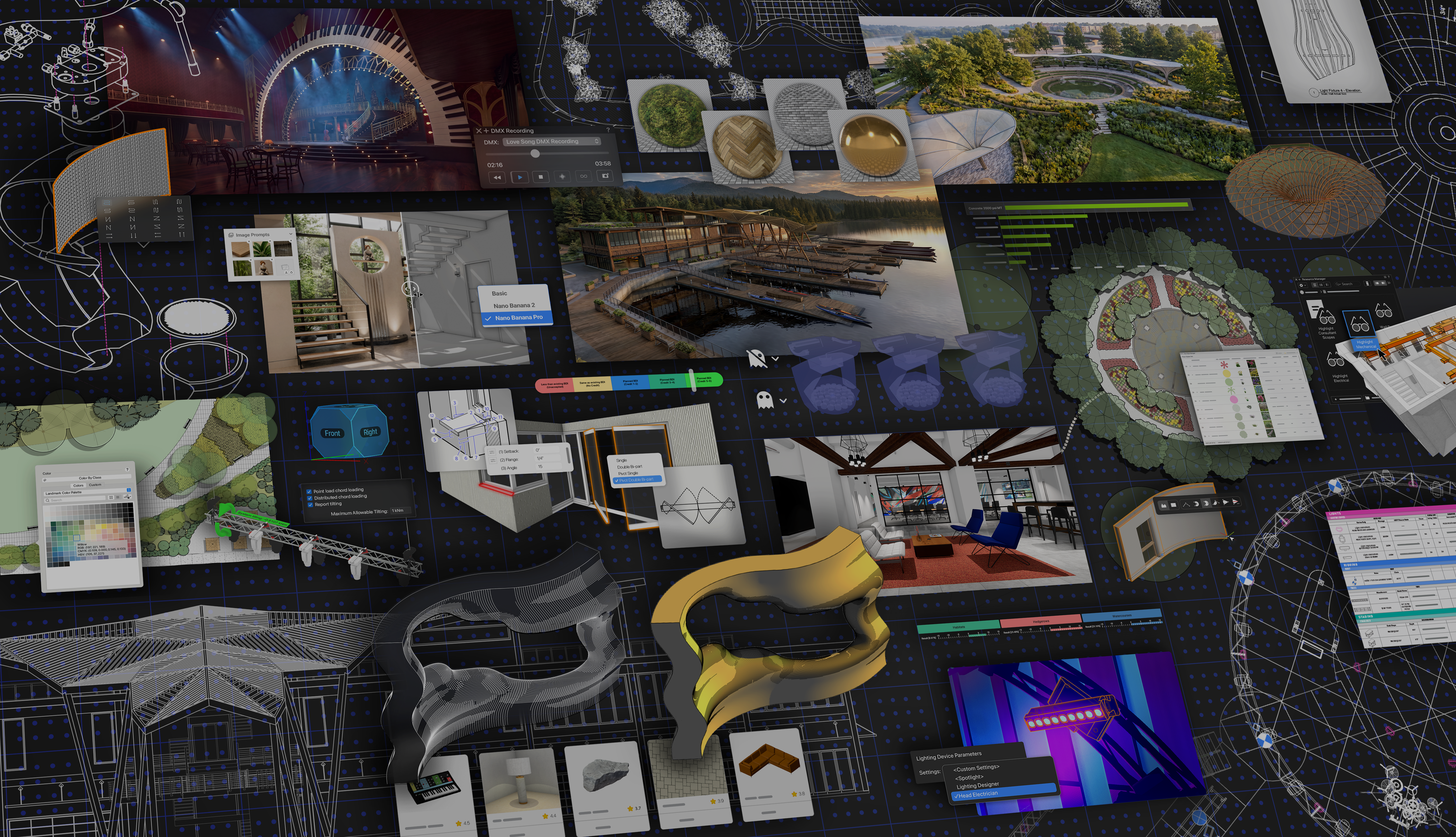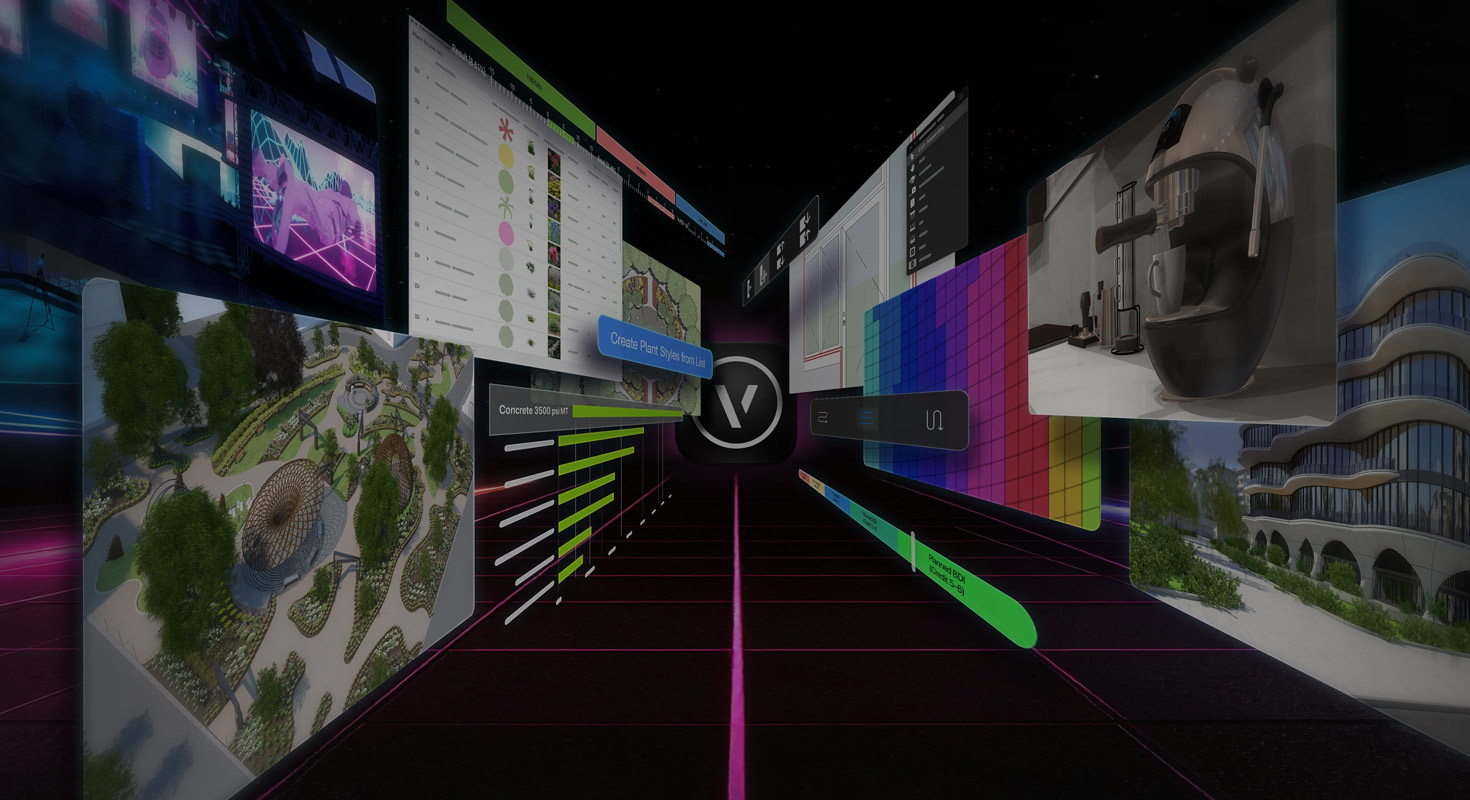
The future of architectural and design workflows is not simply about creating more detailed 3D models. It is about making the entire process more connected, intelligent, and responsive – from the first sketch and early concept development to documentation, visualization, collaboration, and sustainability analysis.
Vectorworks 2026 brings many of these emerging technologies and workflows directly into the design environment. AI-assisted visualization, real-time rendering, data-driven sustainability analysis, structured project phasing, and connected sketching are becoming practical tools that can support everyday design decisions.
Built around the philosophy “No Drag. Just Drive.”, Vectorworks 2026 focuses on reducing friction in the design process and giving professionals more freedom to explore ideas, evaluate alternatives, and communicate their work.
So, what does this look like in practice? Here are five technologies and workflows in Vectorworks 2026 that offer a glimpse into where design software is heading – while already providing practical benefits today.
AI-Assisted Visualization: From Design Intent to Images
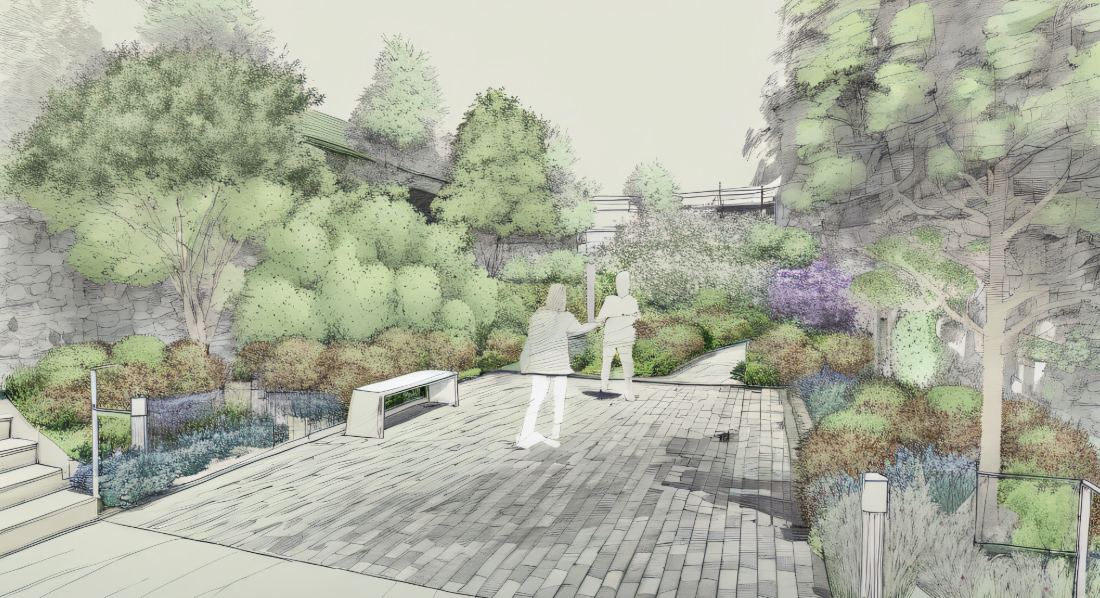
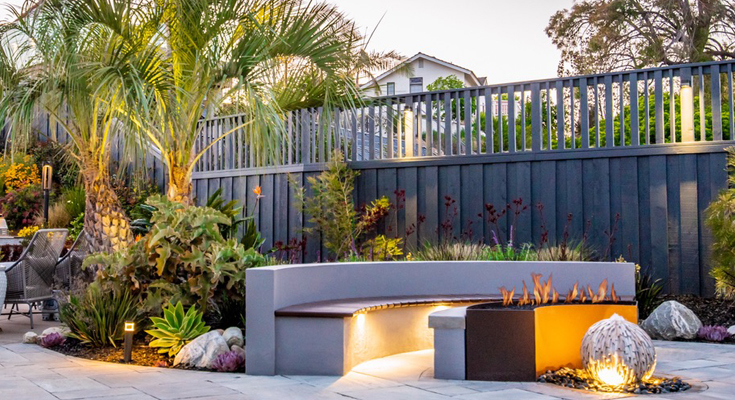
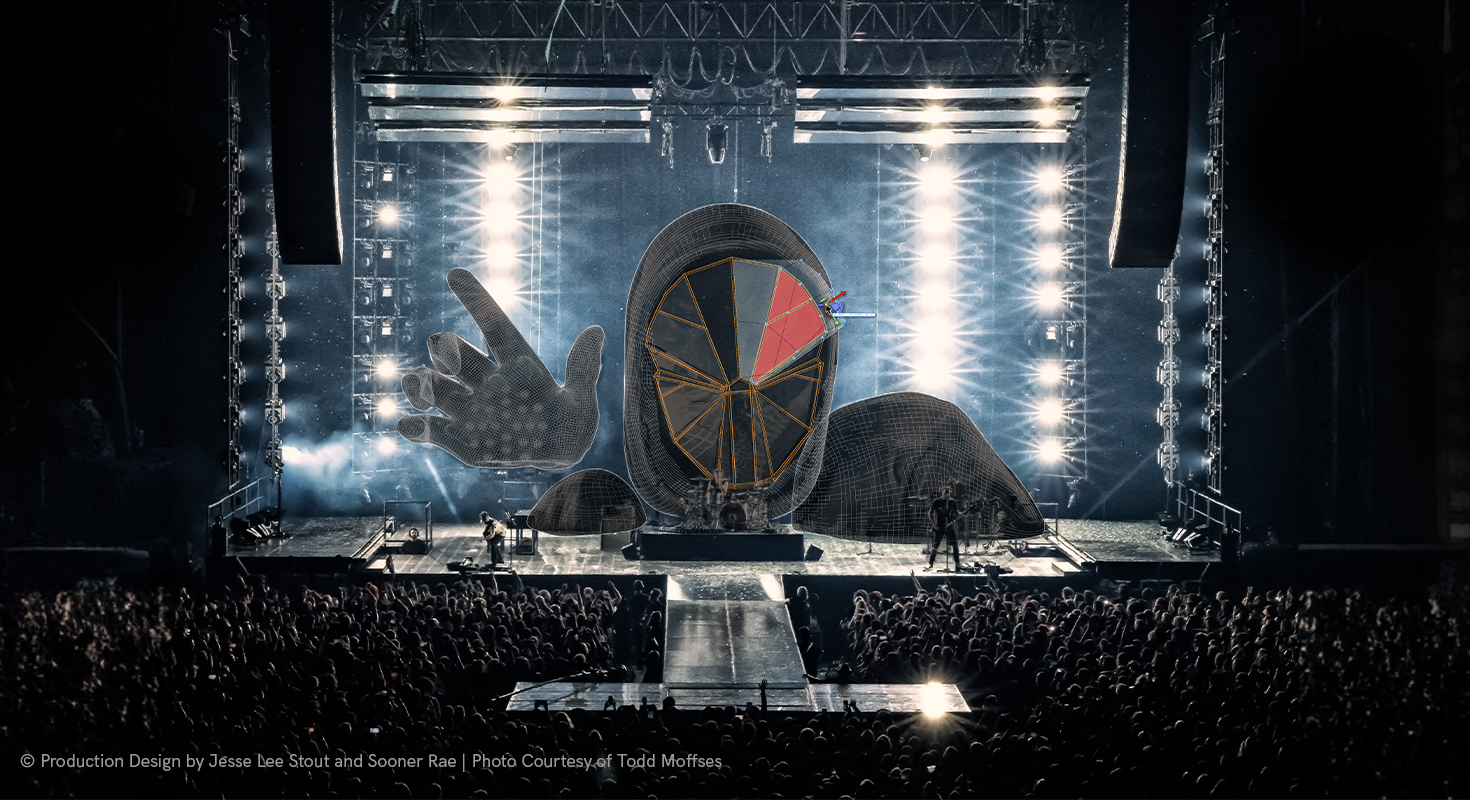
AI is rapidly changing how designers explore and communicate ideas. Vectorworks 2026 brings AI-assisted visualization directly into the design environment through AI Visualizer, allowing designers to generate and refine visual concepts using natural-language prompts.
Rather than leaving the design application to experiment with a separate visualization tool, designers can explore different visual directions directly from their Vectorworks projects. AI Visualizer can help transform a model or viewport into different visual styles and design concepts, making it easier to test ideas and communicate the intended atmosphere or character of a project at an early stage.
This is particularly useful when the goal is not yet to produce a final photorealistic visualization, but to quickly explore possibilities.
By bringing AI into the design environment, Vectorworks makes visualization less of a final presentation step and more of an active part of the creative process.
Real-Time Rendering with Redshift: Keeping Design and Visualization Connected
High-quality rendering has traditionally involved moving between design and visualization applications: exporting a model, adjusting rendering settings, producing an image, and then returning to the design environment to make changes.
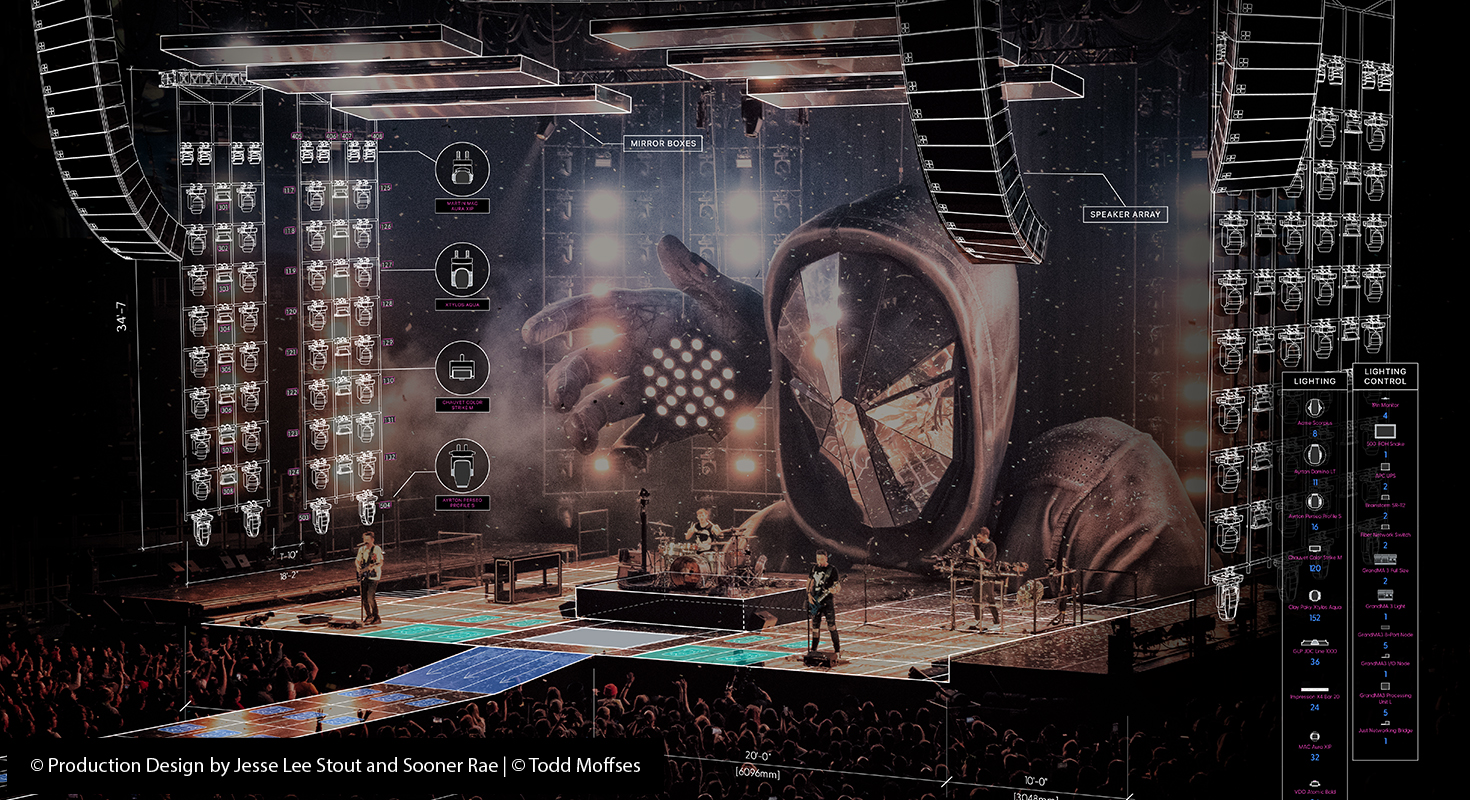
Vectorworks 2026 takes a step toward reducing this separation through its integration with Maxon Redshift.
With the Redshift Visualizer integration, Vectorworks 2026 Update 4 introduced bidirectional synchronization between Vectorworks and Redshift. Changes made to the Vectorworks model can be synchronized with the Redshift environment, while visualization-related changes can also be reflected back into the workflow.
This creates a closer connection between the design model and its visual representation. Designers can use rendering not only to create compelling final images, but also to evaluate materials, lighting, composition, and spatial qualities while the project is still evolving.
The result is a more responsive workflow in which design and visualization can develop together, rather than being treated as completely separate stages.
Data-Driven Sustainability: Making Environmental Impact Part of Design
Sustainability is increasingly becoming something designers need to consider throughout a project – not simply assess once the design is complete.
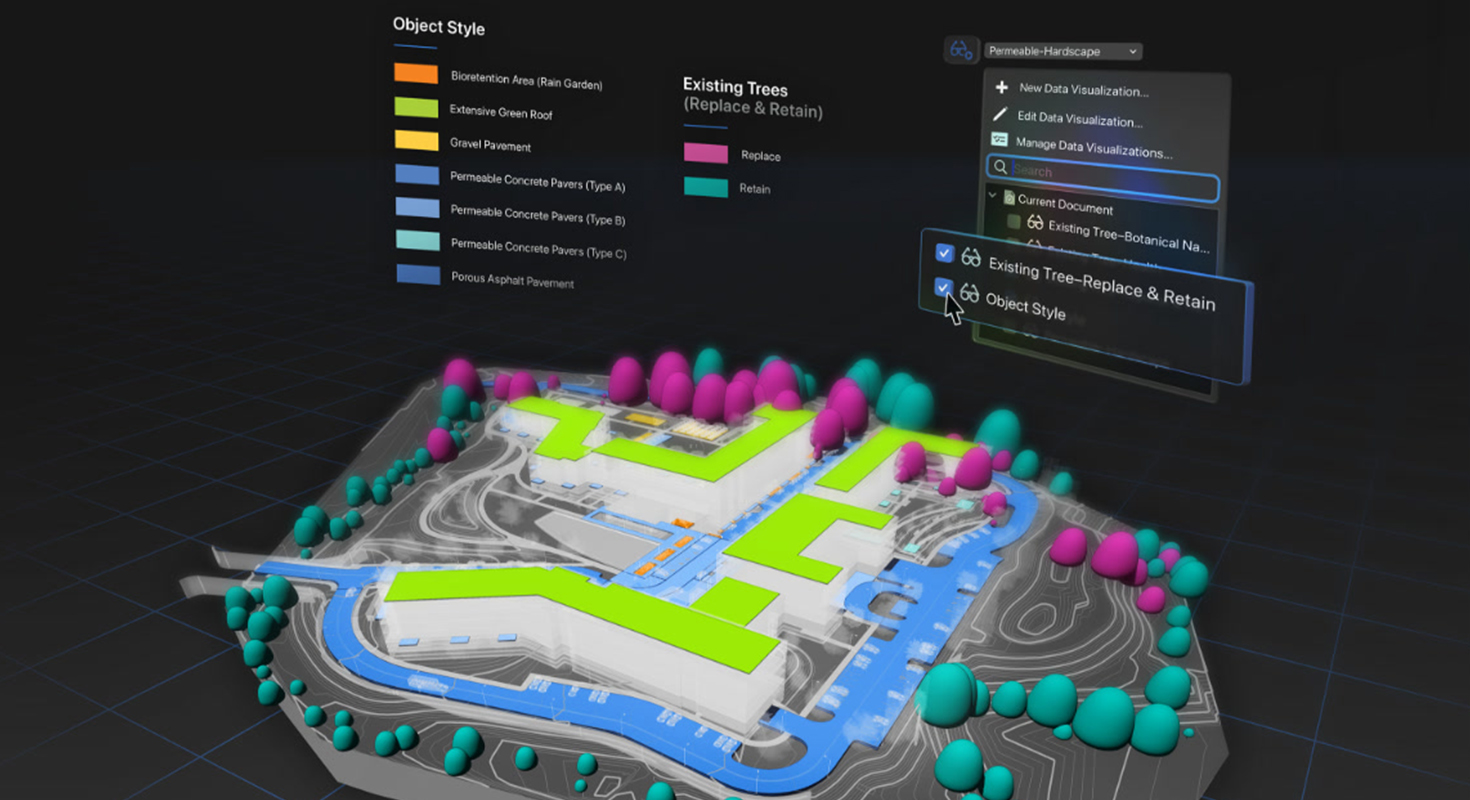
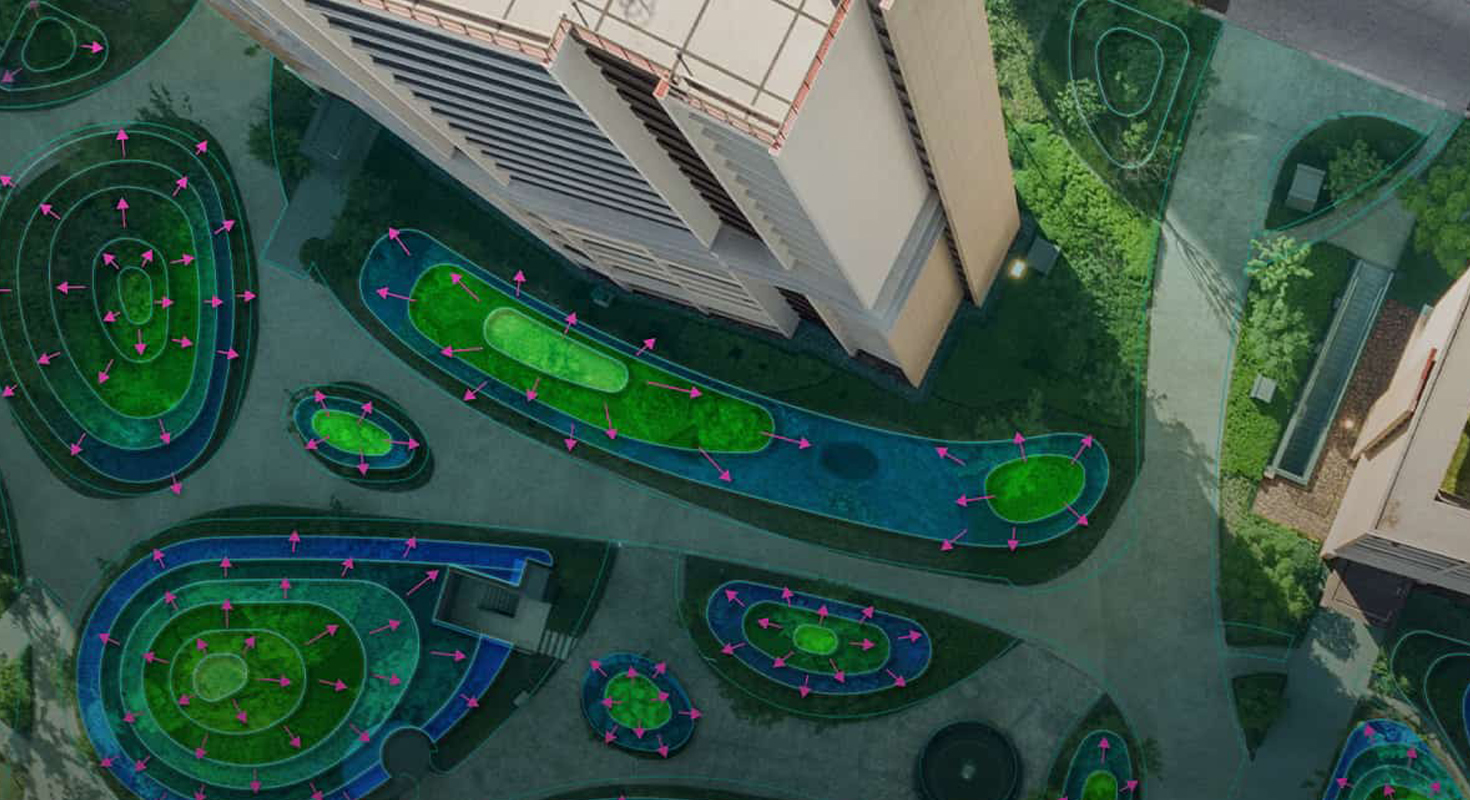
Vectorworks 2026 addresses this shift with the Sustainability Dashboard, which brings environmental analysis directly into the design workflow.
The dashboard provides access to metrics such as embodied carbon, Urban Greening Factor, biomass density, and Biodiversity Net Gain, helping designers evaluate different aspects of a project's environmental performance as the design develops.
This creates an opportunity to use measurable information when making design decisions. Instead of treating sustainability as a separate assessment carried out at the end of a project, designers can monitor relevant indicators and explore the potential impact of their choices earlier in the process.
The exact metrics and applicability can vary depending on the project and region, but the underlying principle is universal: sustainability becomes part of the design conversation rather than a final-stage checklist.
Project Phasing: Managing Change as Part of the Digital Model
Projects rarely remain static. Existing buildings are renovated, elements are removed or relocated, temporary structures are introduced, and new components are added.
Vectorworks 2026 introduces enhanced phasing capabilities that provide a structured way to represent these changes within the project model.
The phasing system allows designers to represent different stages of a project and manage changes such as creating new elements, removing existing ones, relocating objects, or reusing components. This information can then support drawings, viewports, reports, data visualization, and other aspects of project documentation.
This is particularly useful for renovation, refurbishment, and projects where understanding how the design changes over time is an important part of the workflow.
Rather than representing project changes only through separate drawings or manual annotations, phasing allows those changes to become structured information within the digital model.
Connected Sketch-to-BIM Workflows: From Ideas to Digital Models
Digital design does not have to mean giving up the speed and spontaneity of hand sketching.
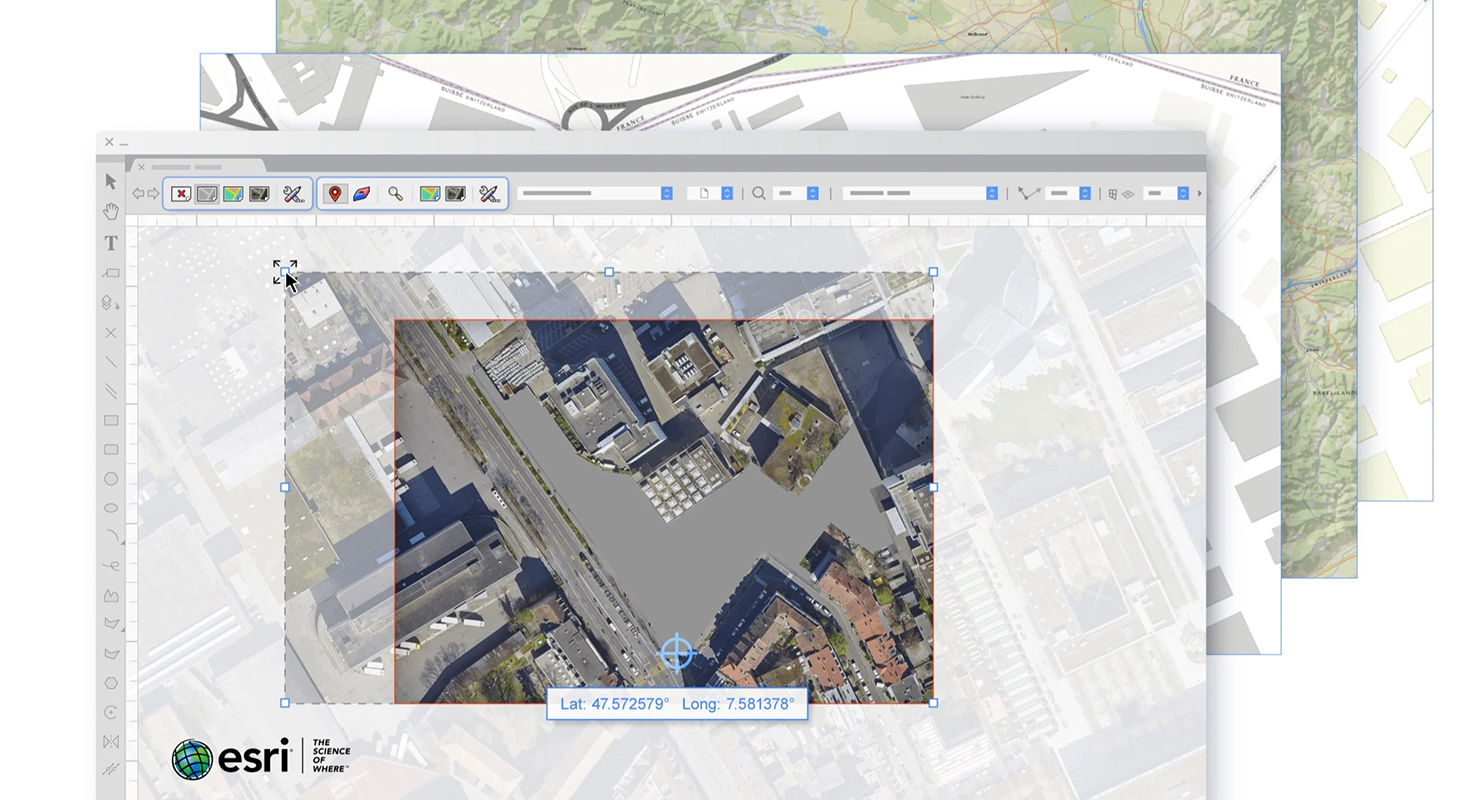
Vectorworks 2026 Update 5 introduced a new integration with Morpholio Trace, connecting Vectorworks with the iPad-based sketching and design environment.
Designers can send scale-accurate sheets and viewports from Vectorworks to an iPad, develop ideas through sketching and annotation in Trace, and bring the results back into Vectorworks as images or linework.
This creates a bridge between two very different design experiences: the precision and structured information of a BIM environment and the immediacy of drawing by hand.
The integration is part of a broader direction in design software – allowing professionals to move between different ways of thinking and working without unnecessarily breaking their workflow.
Combined with Vectorworks' support for Open BIM and interoperability with other design and documentation platforms, this helps create a more connected environment in which ideas, information, and project data can move between different tools and stages of the design process.
The Future of Design Is Already Part of the Workflow
The most significant aspect of Vectorworks 2026 is not any individual feature. It is the direction in which the platform is evolving.
AI is becoming part of the creative process. Real-time rendering is becoming more closely connected to design. Sustainability is becoming measurable while a project is still developing. Project changes can be represented as structured information, while sketching and BIM can work together rather than existing as separate stages.
Together, these developments point toward a broader transformation in design software: less separation between different stages of the workflow and more opportunities to make informed decisions while the design is still evolving.
That is the thinking behind “No Drag. Just Drive.” – technology should support the creative process and help designers move ideas forward, rather than slow them down.
Discover Vectorworks and explore how its latest capabilities can support your architectural, landscape, and entertainment design workflows. Contact our experts to learn more about Vectorworks solutions, licensing, and training.