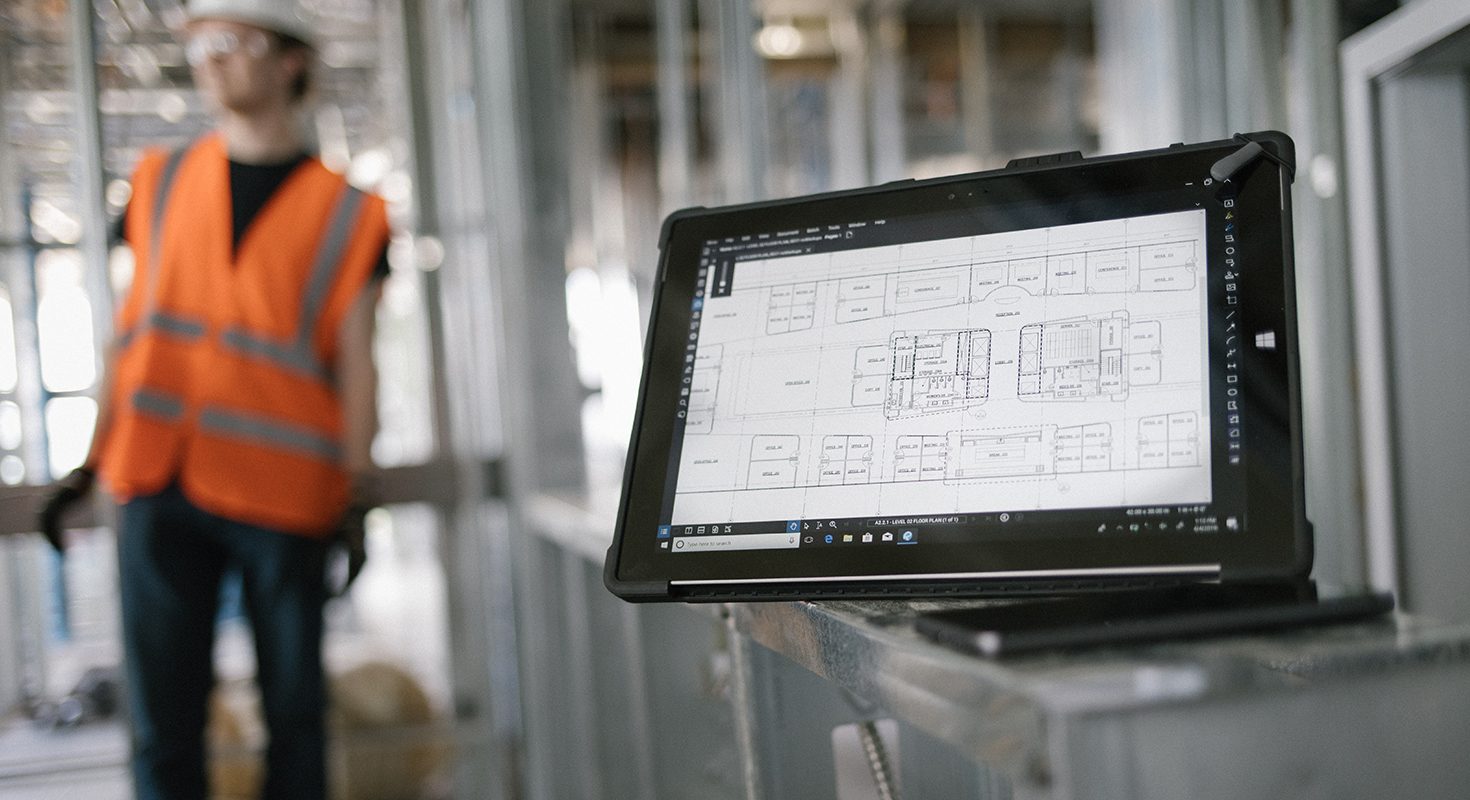
Construction projects generate an enormous amount of information. Drawings are revised, markups accumulate, documents need to be reviewed, and teams across the project need to stay aligned. The challenge is not simply having access to this information – it is being able to find, understand, compare, and act on it efficiently.
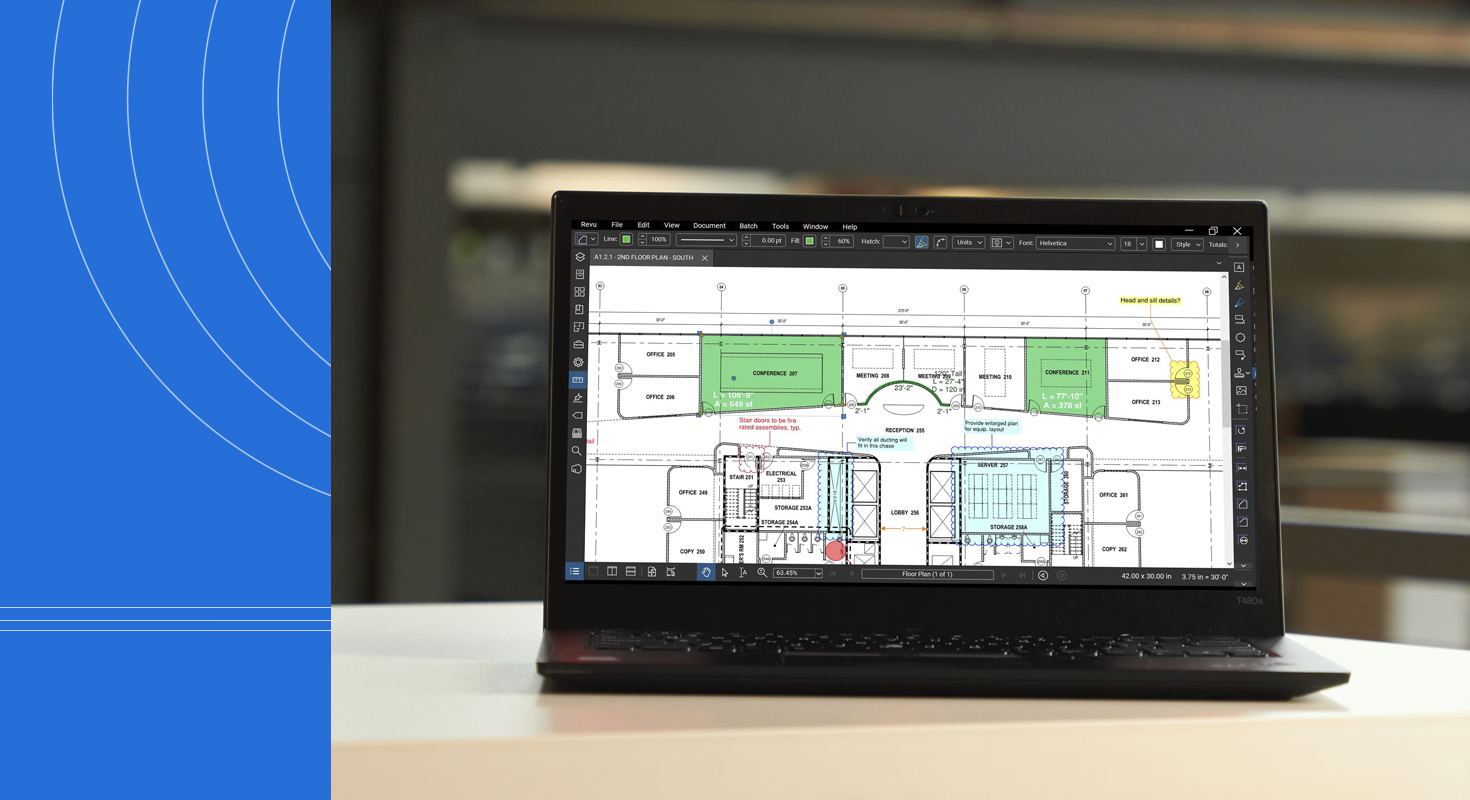
Bluebeam Max builds on the familiar capabilities of Bluebeam Revu with AI-powered tools, advanced automation, and new ways to connect PDFs, BIM workflows, and project teams. Globally available since May 2026, Bluebeam Max is designed to help AEC professionals reduce repetitive work, identify potential issues earlier, and make better use of the information contained in their project documents.
So, what does this mean in practice? From drawing review and revision comparison to markup automation and AI-assisted workflows, Bluebeam Max introduces new ways to make everyday project tasks more efficient.
Identify Potential Issues Earlier with AI-Powered Review
A drawing discrepancy discovered during construction can quickly become a coordination issue, change order, or source of costly rework. Finding potential problems earlier can therefore have a significant impact on project delivery.
Bluebeam Max introduces Smart Review and Smart Overlay, AI-powered tools designed to help teams analyze drawing sets and identify information that may require attention.
Smart Review performs AI analysis of construction documents to identify issues such as incomplete designs, scope gaps, and discrepancies. Its current checks include document health, gridline coordination, selected architectural checks such as door tags, and plumbing tag checks. The results are presented through dashboards and issue reports that can help teams focus their review efforts.
Smart Overlay compares two versions of PDF drawing sets to identify changes between revisions. Results are organized by discipline and sheet, helping teams see which areas have changed and may require closer review.
Both Smart Review and Smart Overlay are currently available as Preview features within Bluebeam Max. They are also subject to specific document and workflow requirements – for example, Smart Review currently works best with architectural floor plans, while Smart Overlay relies on consistent sheet numbering, title blocks, scale, and alignment.
For estimators, project managers, architects, engineers, and other stakeholders, the potential benefit is straightforward: less time spent manually searching through drawing sets and more time spent addressing the information that requires attention.
Connect PDF Markups with BIM Workflows
PDF remains one of the most widely used formats for exchanging and reviewing construction information. At the same time, BIM workflows play an increasingly important role in design coordination and project delivery.
Bluebeam Max helps connect these two environments through Connected Sessions with Revit.
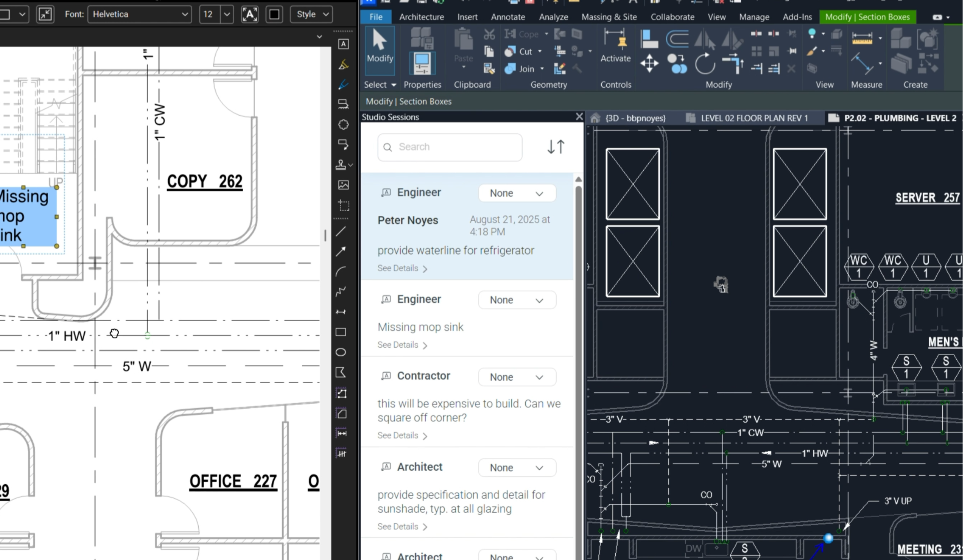
With Connected Sessions, users can view and engage with Bluebeam markups directly in Revit, linked to the corresponding 2D drawing sheet and 3D view. This creates a more direct connection between feedback captured in PDF documents and the BIM model.
The benefit is not simply technical interoperability. It is easier coordination between people who may interact with the project in different ways.
A designer can work in Revit, while a contractor or consultant can review and mark up PDFs in Revu. Other stakeholders can participate through Bluebeam's web and mobile workflows. The latest Revu 21.10 update also adds support for Revit 2027 in Connected Sessions.
By keeping markups connected to the relevant model context, teams can reduce the need to manually translate feedback between documents and models – helping everyone work from a clearer understanding of the project.
Get the Bigger Picture with Drawing Sheet Stitching
Large and linear projects can involve drawing sets that are difficult to understand when viewed sheet by sheet. Roads, utility networks, corridors, tunnels, and large buildings may extend across numerous individual drawings.
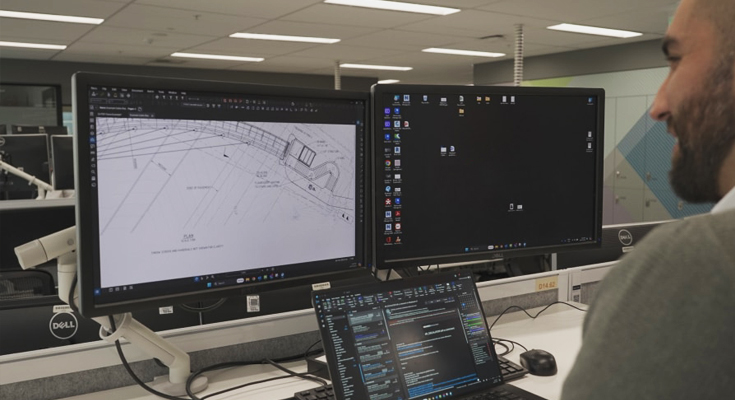
Stitching in Bluebeam Max automatically combines drawing sheets from different parts of a project into a single, continuous, navigable view. This can provide a clearer overview of complex projects without requiring users to manually assemble multiple sheets.
For example, an estimator reviewing quantities along a long utility route or a project team coordinating an extensive floor plan can work with a larger-scale view of the project instead of repeatedly moving between individual sheets.
The functionality was further improved in Revu 21.10 with additional controls for text size in regions and matchlines.
It is a relatively straightforward concept, but for large and linear projects, having a continuous view can make drawing navigation and review considerably more efficient.
Reduce Repetitive Work with Magic Markups
Markups are fundamental to Bluebeam workflows, but creating and modifying them can also involve a surprising amount of repetitive work.
Bluebeam Max introduces Magic Markups, including tools such as Duplicate as, Convert to, and Offset, designed to reduce unnecessary manual steps.
With Duplicate as, an existing markup can be duplicated as another markup type. Convert to allows an existing markup to be converted to a different type without recreating it from scratch. Offset can be used to create smaller or larger copies of markups or offset them as a different markup type.
These capabilities can be particularly useful in estimating, quantity takeoffs, engineering documentation, and other workflows where similar markups or measurements need to be created repeatedly.
The advantage is simple: less repetitive work and fewer manual steps for tasks that designers, estimators, and engineers perform every day.
Use AI to Search, Automate, and Work with Project Information
One of the most forward-looking capabilities in Bluebeam Max is the connection between Revu and AI through the Model Context Protocol (MCP).
MCP provides a standardized way for AI applications to interact with software and its data. In Bluebeam Max, users can connect Revu to supported AI tools and use natural-language prompts to search project information, work with markup data, and automate certain repetitive tasks.
The capabilities go beyond simply asking questions about a PDF. Bluebeam's MCP integration can be used to perform targeted searches, generate markups, create custom columns, and update markup properties through connected AI tools. The June 2026 Revu 21.10 update expanded these workflows further, specifically adding targeted search and markup editing.
Bluebeam Max currently supports MCP connections with tools including Claude, GitHub Copilot CLI, and AnythingLLM.
For teams working with large numbers of markups or extensive project documentation, this opens up new possibilities for automating repetitive operations. Instead of navigating through menus and changing properties one by one, users can increasingly describe the task they want to accomplish in natural language.
This represents a broader shift in how professionals can interact with construction software: from manually performing every individual action to instructing connected tools to help accomplish a larger task.
From More Information to More Actionable Information
Bluebeam Max is not simply about adding AI to an existing PDF workflow. Its broader purpose is to help AEC teams make better use of the information already present in their projects.
Smart Review and Smart Overlay can help identify information that deserves attention. Connected Sessions can bring PDF markups closer to the BIM model. Stitching provides a more complete view of complex drawing sets. Magic Markups reduce repetitive tasks, while MCP opens new possibilities for searching and working with project information through AI.
Together, these capabilities point toward a more connected approach to construction documentation and collaboration – one where teams can spend less time searching, comparing, repeating, and manually transferring information, and more time reviewing, coordinating, and making decisions.
Bluebeam Max brings AI-powered productivity and advanced automation into the familiar Revu environment, helping AEC professionals work more efficiently with the project information they rely on every day.
Discover Bluebeam Max and explore how it can support your project workflows. Contact our experts to learn more about Bluebeam solutions, licensing, and services.