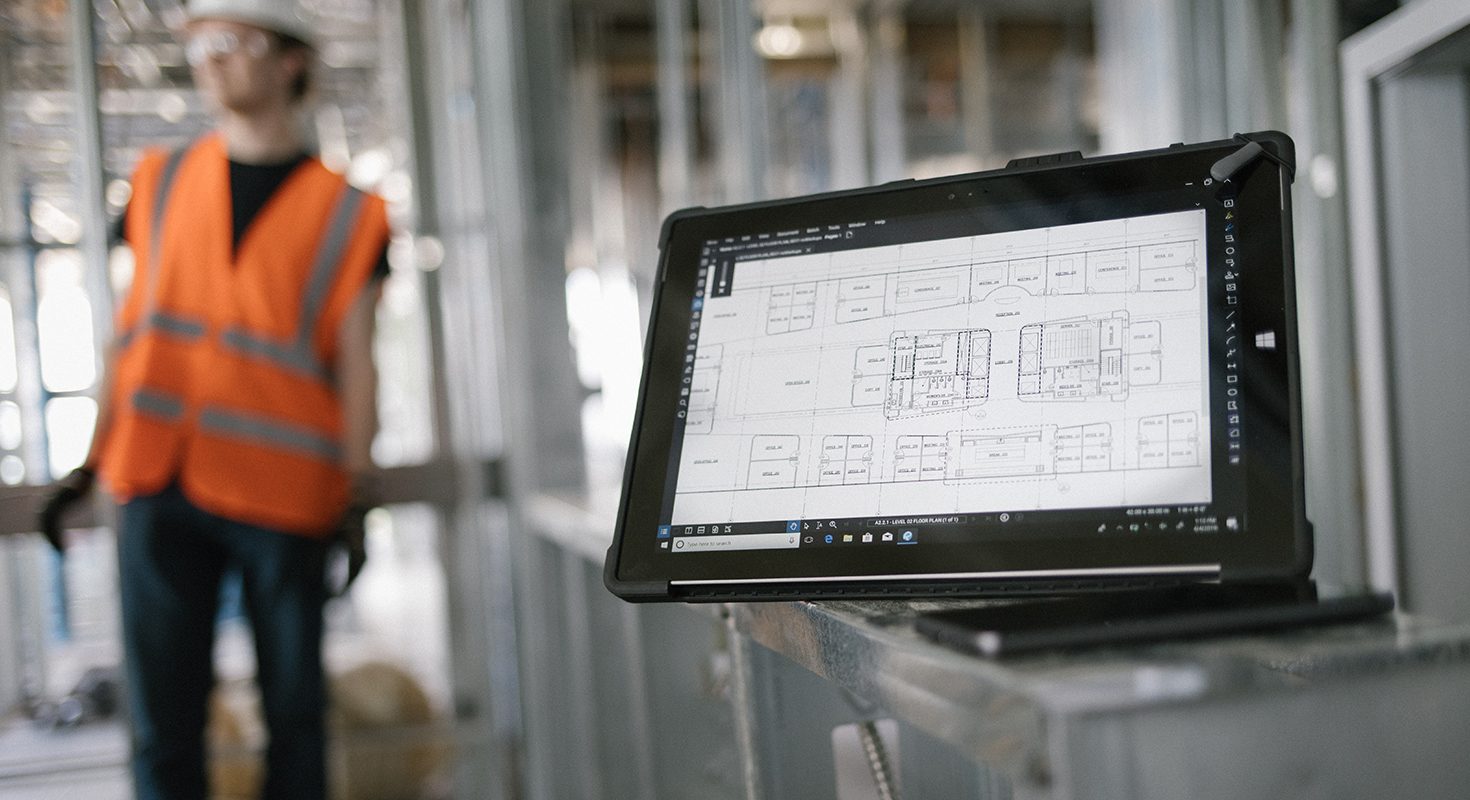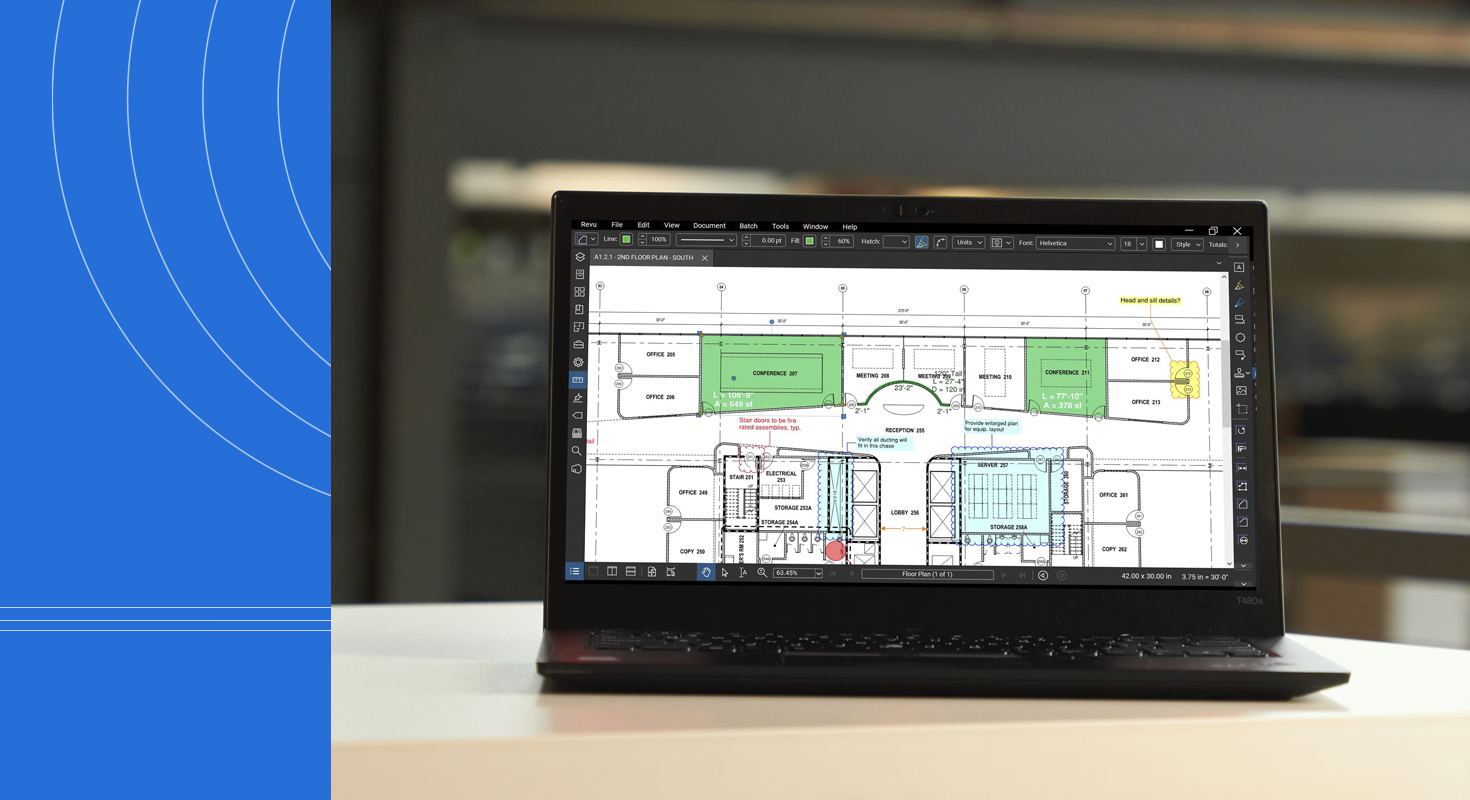
Today, Bluebeam Revu is one of the most efficient tools for performing digital measurements on PDF drawings. Revu's speed, precision and integrated takeoff capabilities make it a preferred choice for architects, engineers, contractors and construction teams transitioning from manual measurement to a modern workflow. Correct use of Revu’s measurement tools saves hours of work, reduces errors and keeps technical documentation organized.
This concise guide covers calibration, length and area measurement, volume calculation, counting, and exporting quantities – updated for the latest features.
Preparing the PDF: Calibrating Before Measuring
Accurate measurement begins with proper calibration. If a PDF lacks embedded scale information or was exported from AutoCAD, Revit or Archicad without measurement data, results will be unreliable. Revu’s calibration tool resolves this easily.
Open the file, go to Measure → Calibrate, and select two points with a known real distance – such as gridlines or a dimensioned 1 m or 10 m segment. Enter the actual length and Revu applies the scale automatically across the entire drawing. Calibration saves with the file, ensuring consistent accuracy for any future measurement, whether on residential plans, site layouts or detailed mechanical drawings.
Measuring Lengths Quickly and Precisely
For walls, pipes, conduits, routes and perimeter runs, Revu’s Length tool allows you to click directly on the plan and get an accurate measurement based on the calibration. Polyline Length is ideal for paths with multiple angles or curves.
Revu shows values in real time, lets you adjust line style and color, and stores each measurement as a markup. The Markups panel enables filtering, grouping and exporting – useful for quick estimates or comparison sets.
Measuring Areas and Defined Spaces
For flooring, slabs, ceilings, roofs, painting scopes or zoning, the Area tool provides rapid square footage calculation. Select the tool and mark the vertices; Revu closes the shape automatically.
Revu adds improved fill styles and layer organization, helping you visually separate measurement types such as “ceramic flooring,” “drywall areas,” “exterior zones,” or “interior partitions.” This keeps drawings clear even on large, complex projects.
Volume Calculations and Advanced Quantities
For excavation, concrete takeoffs or cubic material quantities, Revu includes Volume tools and area-based measurements with adjustable height. Enter wall height or slab thickness and Revu computes the volume automatically.
These functions support more accurate structural and earthwork estimates by removing manual calculation steps that often cause errors.
Automatic Counting with the “Count” Tool
For repetitive elements—fixtures, columns, switches, lighting points, furniture or equipment – the Count tool provides fast, consistent results. Today, counts are better organized within the Markups panel, with improved grouping by type, category or layer.
This streamlines the creation of bills of materials, electrical schedules or equipment lists without manual recounting.
Exporting Quantities to Excel
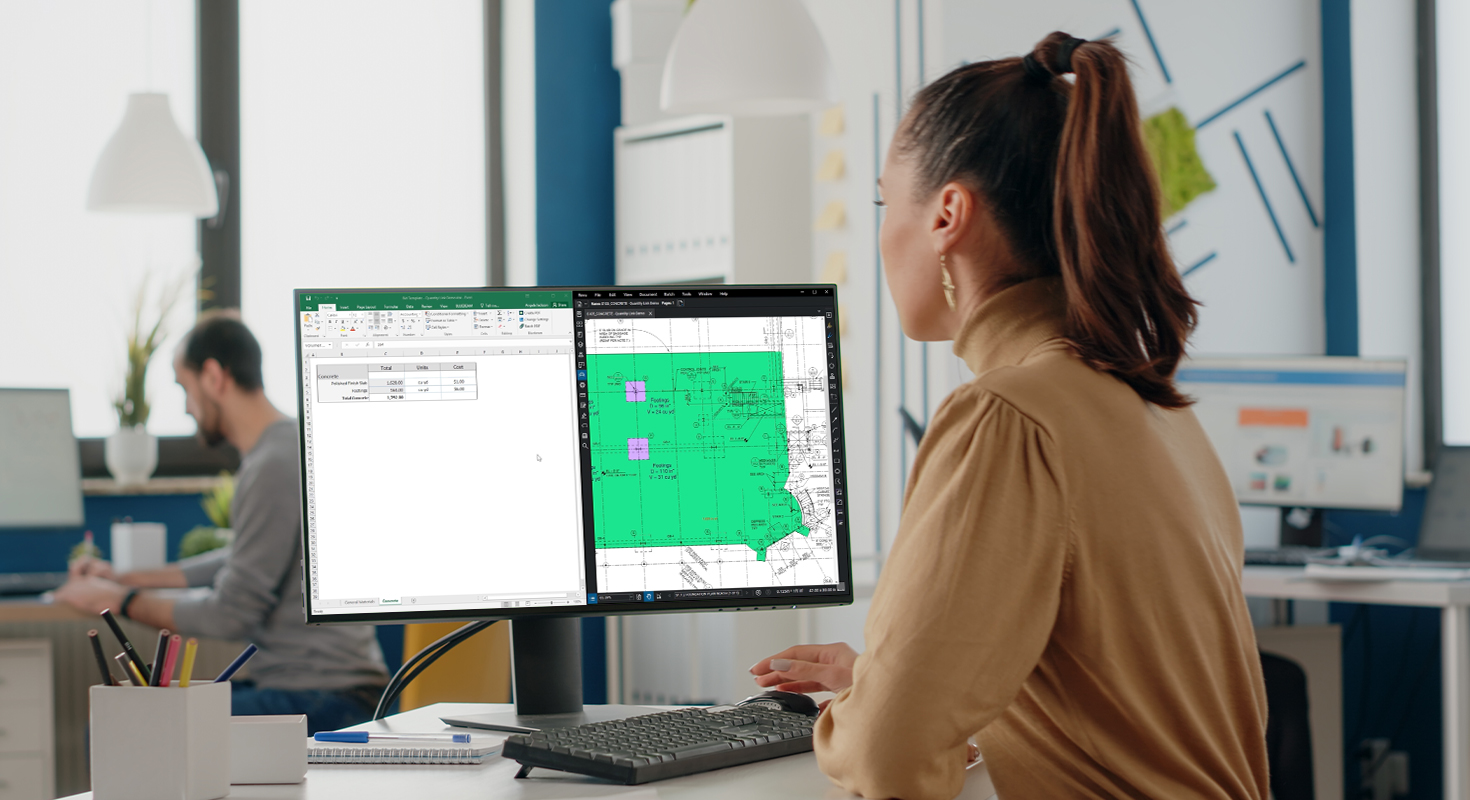
All measurements in Revu can be exported directly to Excel for estimating or reporting. In the Markups panel, choose Export Summary and select CSV or XLSX. The export includes all measurement data, categories, layers, colors and notes, making it simple to hand off quantities for budgeting or comparison.
Productivity Tips for Faster Takeoffs
Custom profiles help standardize measurement styles, layers, colors and frequently used tools across recurring project types. You can also create symbol libraries for common elements to accelerate counting.
Teams working together benefit from Revu Studio, which enables real-time collaboration with no version conflicts or missing markups.
Accurate, Efficient Takeoffs with Bluebeam Revu
Bluebeam Revu delivers fast, reliable digital measurement tools that outperform traditional methods. With proper calibration, clean markups and organized exports, professionals in architecture, engineering, construction and maintenance can produce accurate, consistent takeoffs ready for internal or client review.
Learn more about how Bluebeam helps AEC professionals work better