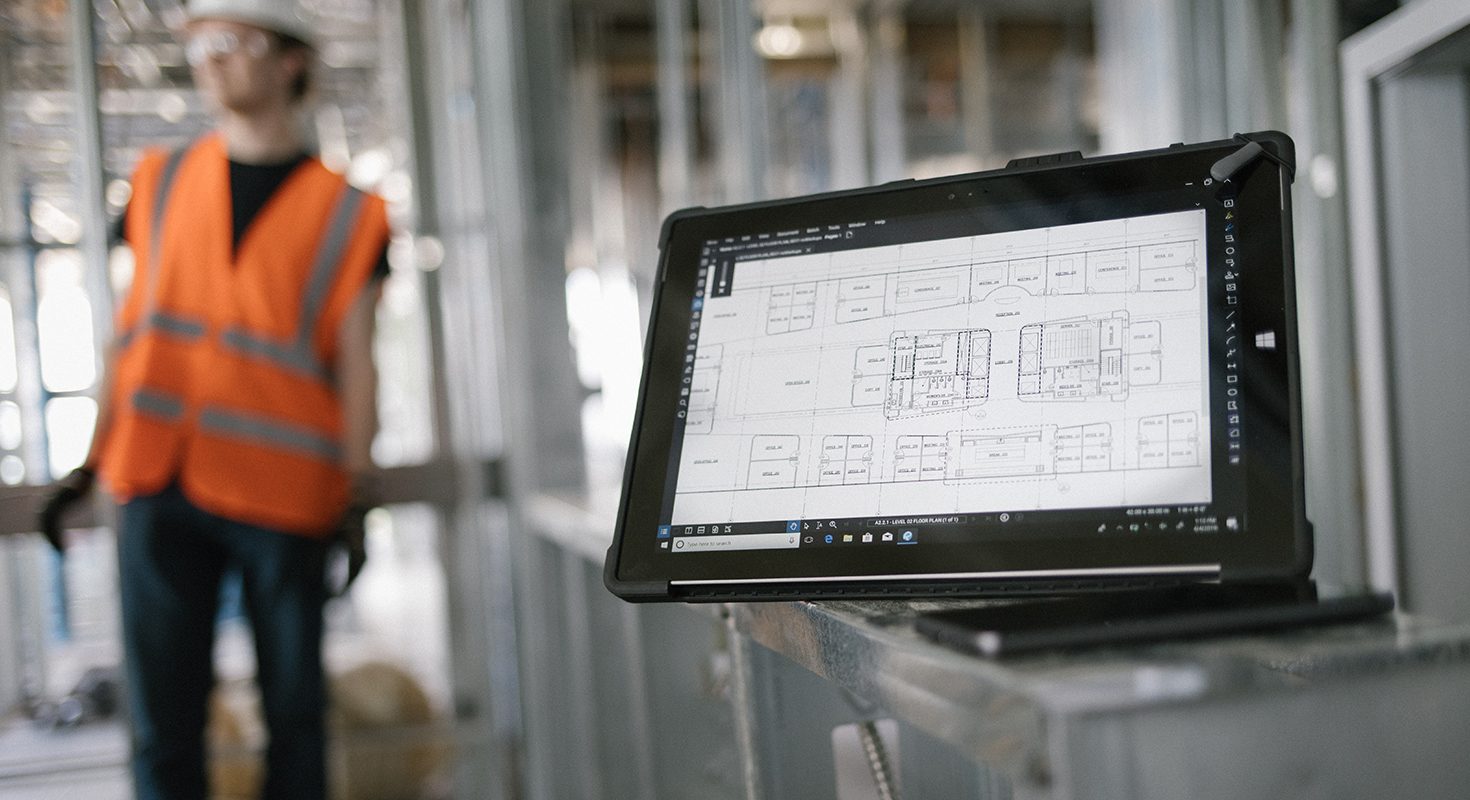
Quantity takeoffs are an essential part of construction estimating, but counting items, organizing measurements, and preparing cost estimates can involve considerable manual work. Bluebeam Revu helps construction professionals measure and count directly on PDF drawings. With Bluebeam Max, teams can build on this workflow by using AI to analyze existing markup data, organize quantities, and assist with calculations.
By combining Revu’s measurement tools with AI-assisted workflows, estimators can reduce repetitive tasks and spend more time reviewing quantities, checking assumptions, and preparing estimates.
From PDF Measurements to AI-Assisted Calculations
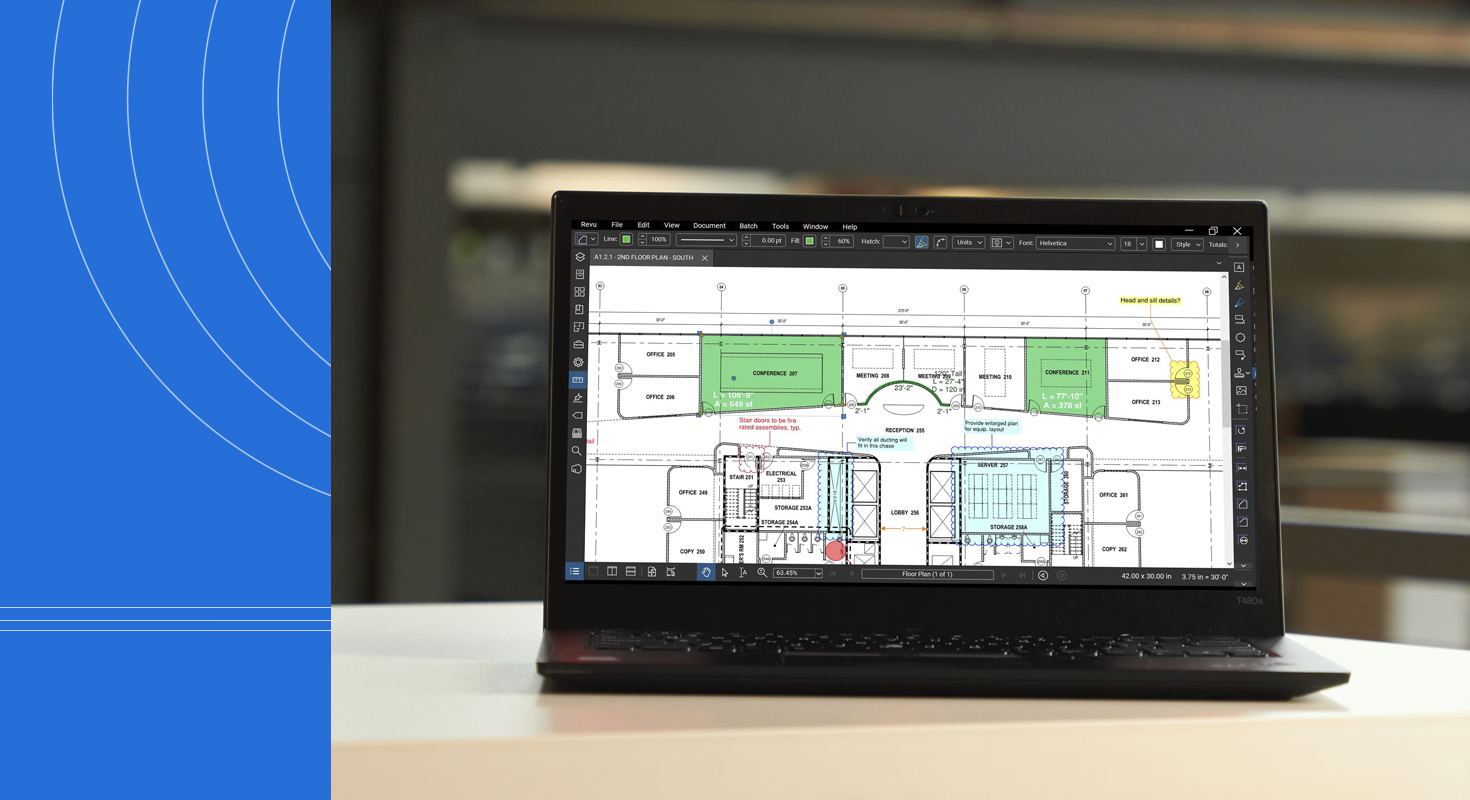
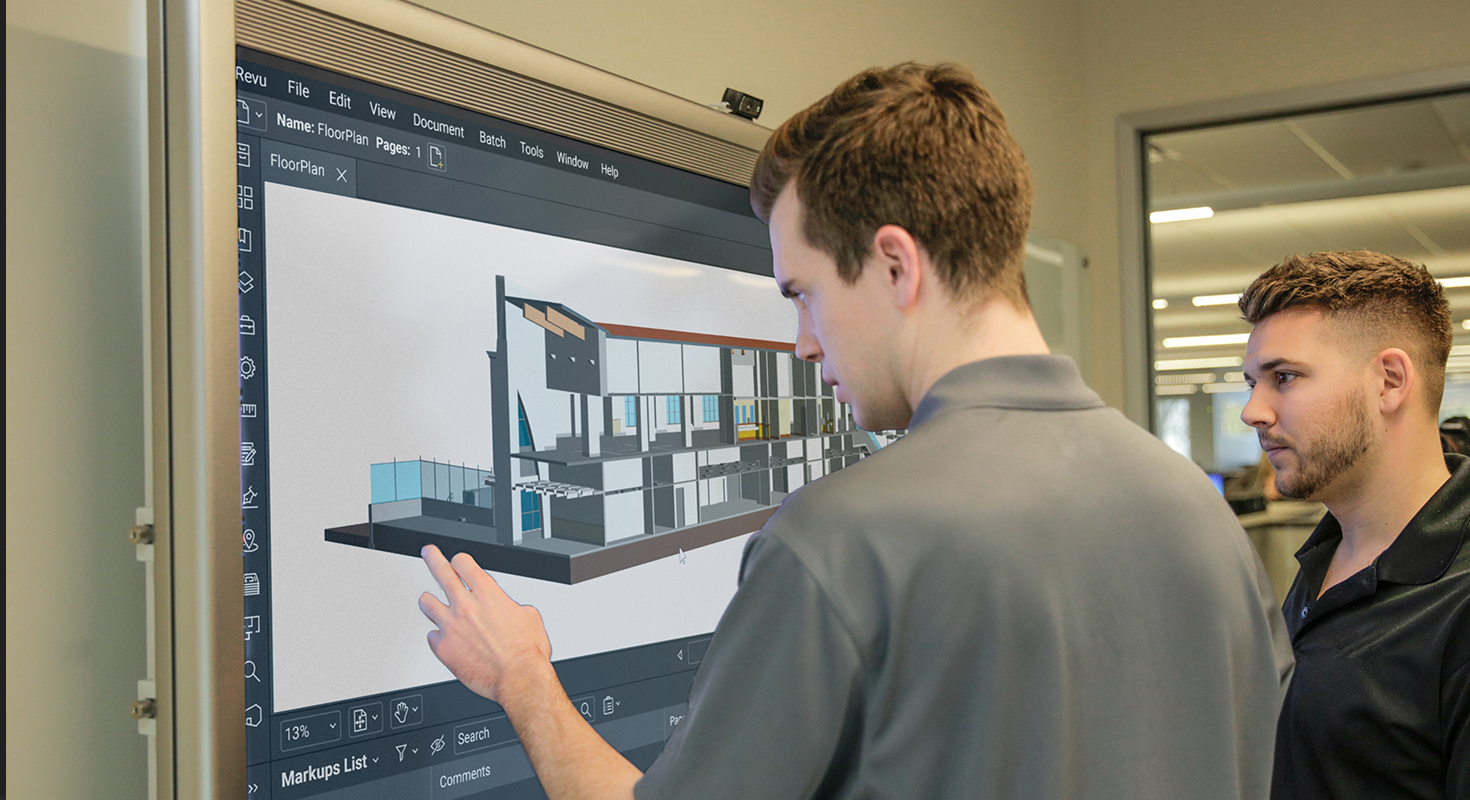
Accurate quantity takeoffs start with reliable measurements. Bluebeam Revu provides tools for measuring lengths, areas, and volumes, as well as counting individual items directly on construction drawings.
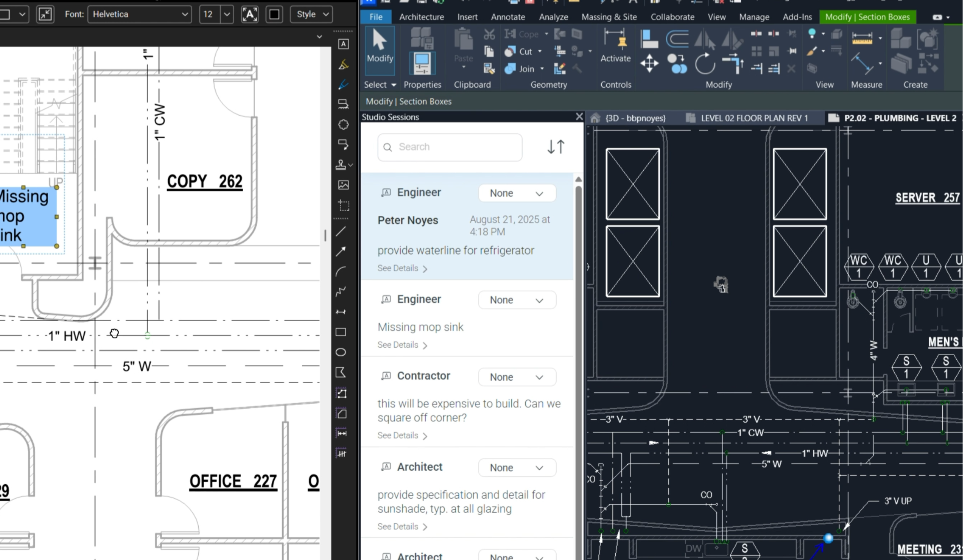
The Markups List brings this information together in a structured format. Markups can include details such as their subject, type, measurement values, comments, and custom column data, making it easier to organize and review quantities.
Bluebeam Max extends these workflows through its integration with AI assistants using the Model Context Protocol (MCP). With Claude connected to Revu, users can interact with available markup data through natural-language prompts, helping them retrieve information, organize quantities, and perform calculations.
Rather than manually reviewing every markup or transferring all the information into a separate spreadsheet, estimators can use AI to assist with specific, repeatable tasks within their existing workflow.
Three Ways Bluebeam Max Can Support Quantity Takeoffs
1. Count and Organize Existing Markups
Construction drawings often contain numerous items that need to be counted and categorized. On larger projects, manually reviewing every markup can become time-consuming.
Bluebeam Max can help analyze existing markup data and organize it according to criteria such as item type, category, or drawing sheet.
For example, an estimator could ask Claude to:
- Count door markups by type.
- Group plumbing fixture quantities by drawing sheet.
- Summarize equipment quantities by category.
- Identify markups without an assigned quantity.
- Organize takeoff items using custom column values.
This can make it easier to review large sets of drawings and identify information that requires further attention.
There is an important distinction, however: AI-assisted analysis of existing markups is not the same as automatically detecting and counting every object in an unmarked drawing. The underlying takeoff data still needs to be established and checked.
2. Calculate Material Quantities
Once the relevant measurements have been captured in Revu, Bluebeam Max can help turn that data into useful quantity calculations.
With a properly configured MCP connection, an AI assistant can retrieve selected markup measurements, perform calculations, and organize the results according to the requirements provided in a prompt.
For example, an estimator preparing a flooring takeoff could ask Claude to combine selected area measurements, convert them to square metres, and calculate the required material quantity after applying a specified wastage allowance.
Other potential applications include:
- Summing areas across multiple rooms or zones.
- Converting measurements between units.
- Calculating material requirements from measured areas or lengths.
- Applying specified wastage factors.
- Organizing the results into a table for review.
The more clearly the measurements are labelled and the calculation requirements are defined, the easier it is to identify the information the assistant should use.
3. Prepare Preliminary Cost Estimates
Quantity takeoffs provide the foundation for cost estimating. Once quantities have been established, unit prices and other relevant assumptions can be applied to estimate project costs.
Bluebeam Max can assist with this process when the necessary measurement data, material specifications, unit prices, and calculation rules are supplied.
For example, an estimator could request a table containing the measured flooring area, the quantity adjusted for wastage, the unit price, and the estimated material cost for each project area.
The assistant can also be asked to show intermediate calculations and document the assumptions used, making the output easier to review.
These workflows can help reduce repetitive calculations and simplify the preparation of preliminary cost breakdowns. However, the results depend on the accuracy and completeness of the source data, as well as the instructions provided. They should be reviewed before being used in a final estimate or bid.
How to Get Better Results from Bluebeam Max
AI-assisted estimating works best when the underlying markup data is consistent and the instructions are specific. A few practical steps can help improve the usefulness of the results.
Label markups clearly. Use descriptive names that identify the material, location, or purpose of each measurement. For example, “Flooring Area 01” is more useful than a generic label. When referring to markups in a prompt, use the exact labels recorded in Revu.
Check measurement calibration and units. Make sure the PDF drawing is calibrated correctly before taking measurements. Specify the desired output units when requesting calculations, particularly when source measurements and material specifications use different units.
Specify which data to include. Identify the relevant markup names, categories, or drawing sheets. This helps limit the calculation to the intended scope and makes it easier to check for duplicated quantities.
Provide the necessary assumptions. If a calculation requires a wastage percentage, material price, pack size, or other project-specific parameter, state the value explicitly. Avoid leaving important assumptions to the AI assistant.
Ask for transparent calculations. Request intermediate values, conversion factors, formulas, and a summary of assumptions. This makes it easier to trace the results and identify potential discrepancies.
Verify the output. AI assistants can make mistakes or misinterpret instructions. Check the calculations against the original measurements and project requirements before relying on the results for procurement, budgeting, or bidding.
Want to explore Bluebeam Max for your construction workflows? Discover Bluebeam Max or contact us to learn more about Bluebeam solutions, licensing, and services.